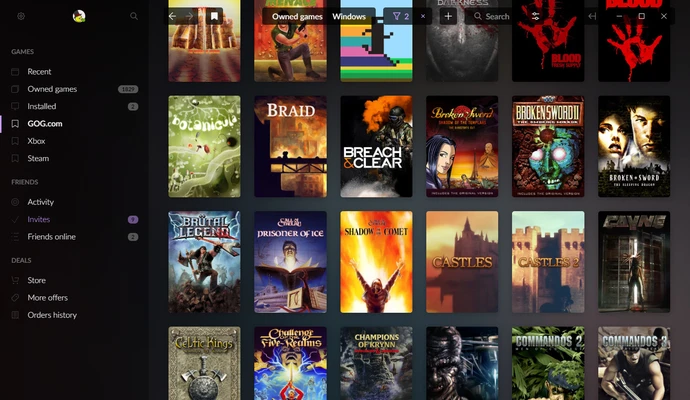
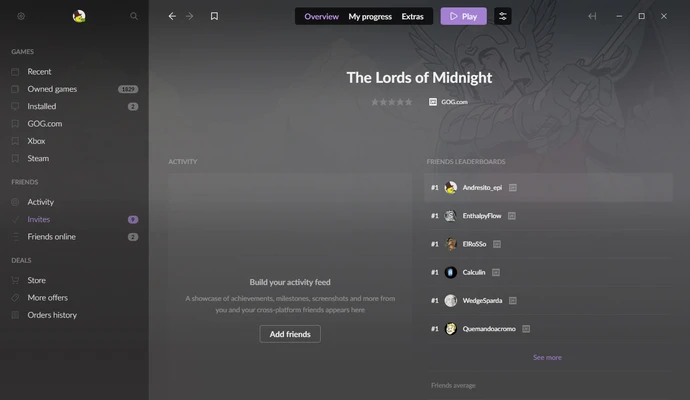
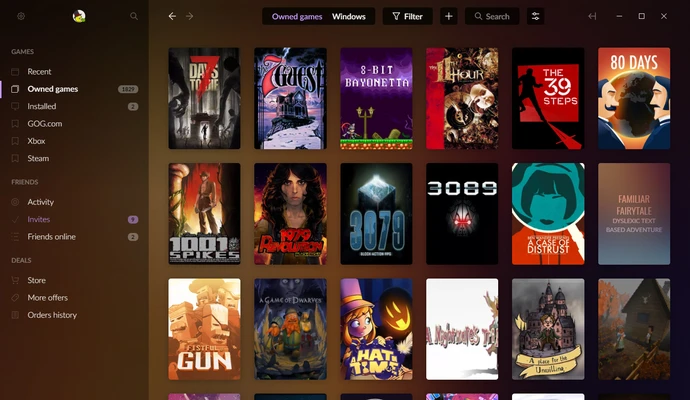
GOG Galaxy is a free game launcher that allows users to manage, install, and play PC games from multiple platforms in one place.
It combines your game libraries, achievements, friends lists, and playtime statistics into a unified interface. The software supports cloud saves, automatic updates, cross-platform chat, and library customization.
Features
- Unified game library from multiple platforms
- Import games from Steam, Epic Games, and other services
- Automatic game updates
- Cloud save synchronization
- Cross-platform friends and chat
- Achievement and playtime tracking
- Custom game categories and filters
- DRM-free gaming support
How to Use
- Install GOG Galaxy on your PC.
- Sign in with your GOG account.
- Connect supported gaming platforms.
- Import and manage your game library.
- Launch games directly from the client.
System Requirements
- Windows 7/8/10/11
- Intel Core i3 or equivalent processor
- 4GB RAM
- 200MB free disk space
PROS
- Manage multiple game libraries in one place
- Clean and simple interface
- Supports cloud saves
- Free to use
CONS
- Smaller library than Steam
- Some games require other launchers
Note: Requires a free GOG account. Games are sold separately.